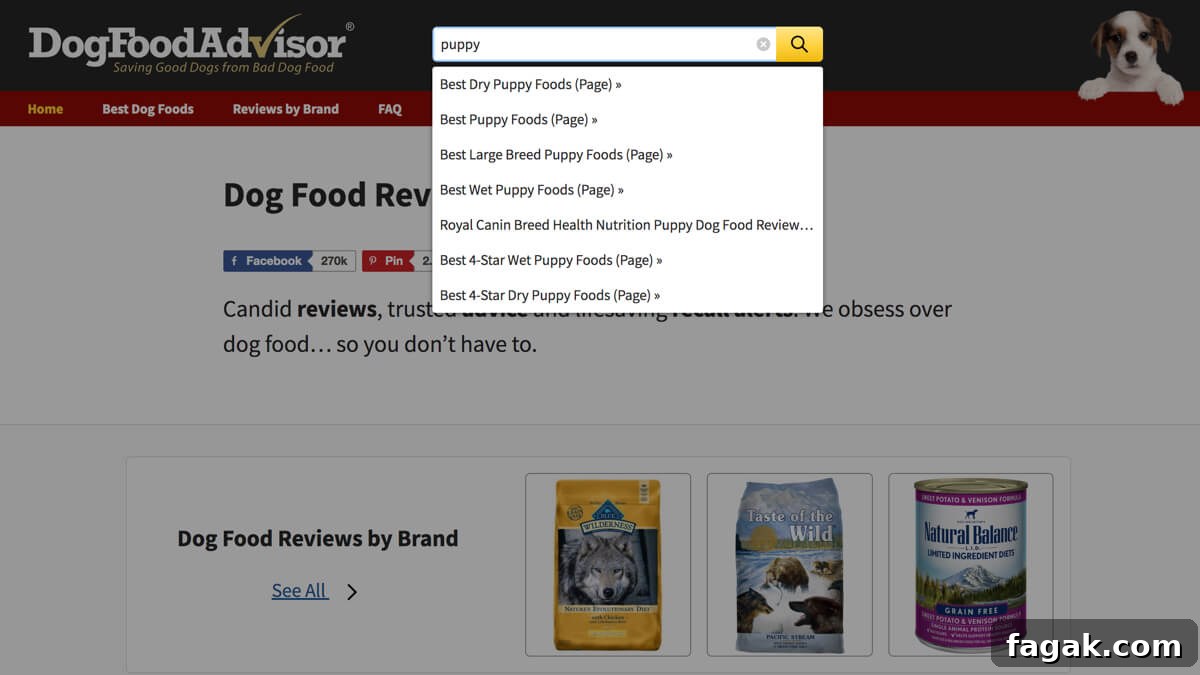
SearchWP significantly improves the default WordPress search experience. You can extend its capabilities with the SearchWP Metrics extension for insights into popular search terms, overall search traffic, queries that return no results, and other useful analytics.
SearchWP Metrics gathers analytics by appending URL variables to the permalinks on your search results page. To see how this works, perform a search from the search icon in the site menu and inspect the URLs of the results.
If you use the Live Ajax Search plugin, note that searches displayed dynamically as users type are not tracked by default. Depending on your site, those live searches may account for a substantial portion of total searches.
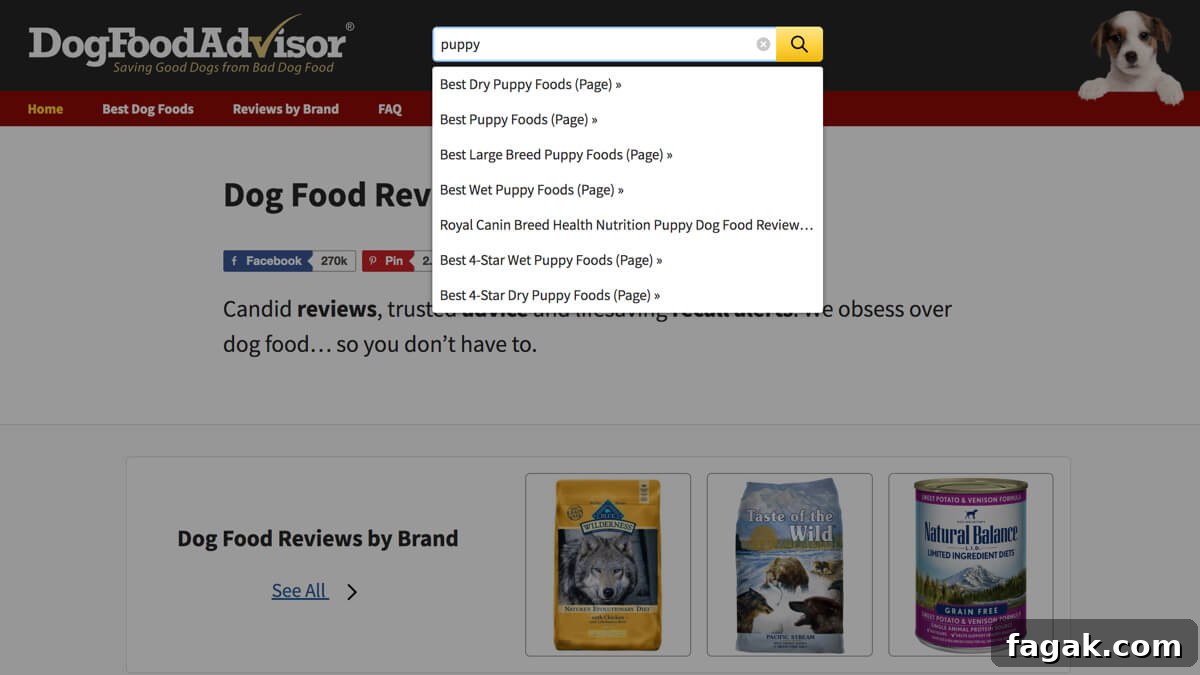
To enable tracking for live results, customize the live search template in your theme by creating the file searchwp-live-ajax-search/search-results.php. Below is a streamlined example you can place in that file to ensure SearchWP Metrics adds its tracking variables to the links returned by the live search:
(labels->singular_name ); ?>) »
This template is based on the original file located at /wp-content/plugins/searchwp-live-ajax-search/templates/search-results.php. The key additions are the two action calls: do_action( 'searchwp_metrics_click_tracking_start' ); placed before the loop and do_action( 'searchwp_metrics_click_tracking_stop' ); after it. Those actions instruct SearchWP Metrics to inject its tracking parameters into the links generated in the live search results, allowing those interactions to be recorded in your analytics.